Facebook Caption
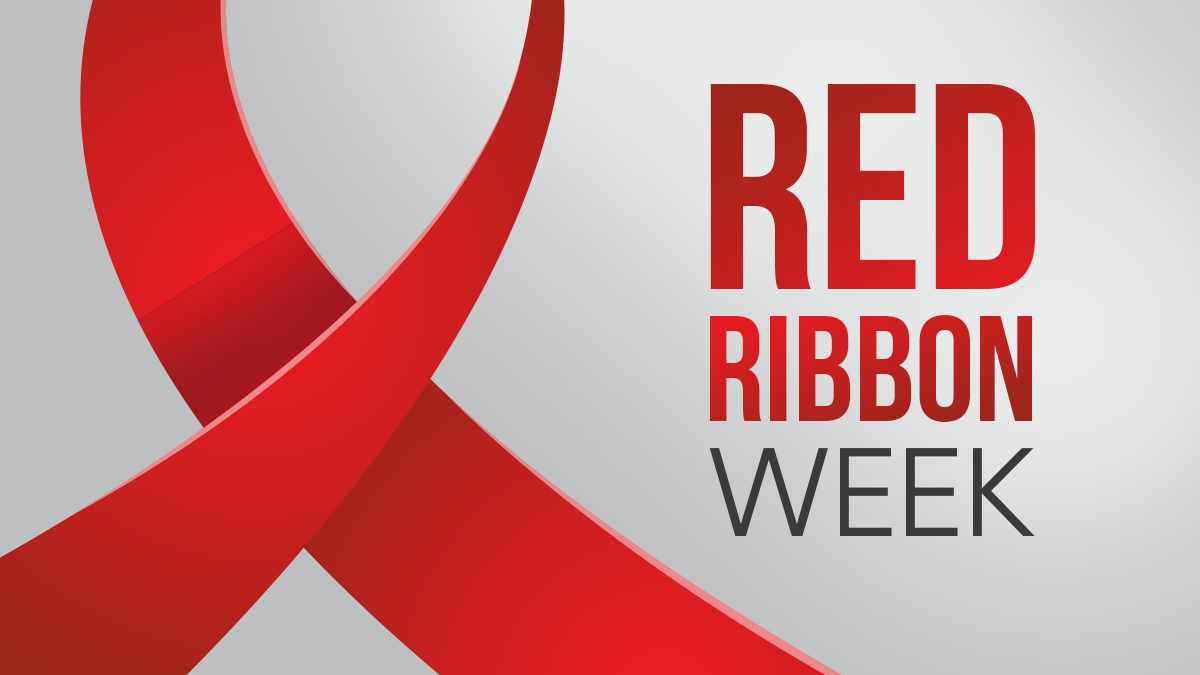
It’s Red Ribbon Week! This week serves as an opportunity to raise awareness about drug prevention in schools. It is a great time for us to encourage youth who are using tobacco and nicotine products, such as vapes, to start their quit journey. Educating them on the benefits of quitting and providing them with a safe, nonjudgmental space to ask questions can make all the difference!
Learn more about what Red Ribbon Week is here: www.redribbon.org/
To use this post
Facebook: Save the Facebook image(s) by right-clicking/holding each image. Attach the image(s) by clicking on the photo/video icon next to "Add to your post." Copy and paste the caption into the "What’s on your mind?" field. Click/Tap the blue "Post" button, and that's it!
Instagram: Save the Instagram image(s) by right-clicking/holding each image. Click/Tap the "+" button to create a new post, story, or reel. Select "post" from the Create options. Choose the photo(s) you have saved - if there are multiple, double check the number bubbles in the top right are in the order you want them to appear. Make sure the image is not cut off in the preview. Click/Tap "Next" in the top right to go to the next screen. Copy and paste the caption, and any hashtags you may want to include. Click/Tap the blue "Share" button to make it live!
X: Save the X image(s) by right-clicking/holding each image. Click/Tap "Post" or directly in the "What is happening" field to create a new Tweet. Copy and paste the caption, making sure to add any hashtags you may want to include. Click/Tap the media button beneath the caption field to choose the photo(s) you have saved. Click the blue "Post" button to make it go live!
Have additional questions about social media? Check out our Social Media Toolkit
Copyright © 2006 - 2026 ETR. This material was made possible by funds received from the California Tobacco Prevention Program, under contract #21-10001. The Tobacco Education Clearinghouse of California is a project of ETR.